
feature
Coming to Pocket Orbit
Markdown workspace workflows
Bring existing files into a repeatable edit, review and recovery routine.
Your local workspace. Your own files. Availability →
Written and reviewed by the Pocket Orbit Product TeamUpdated October 18, 2026
The Pocket Orbit workflow
Pocket Orbit01 / 05
Begin with a reversible source edit
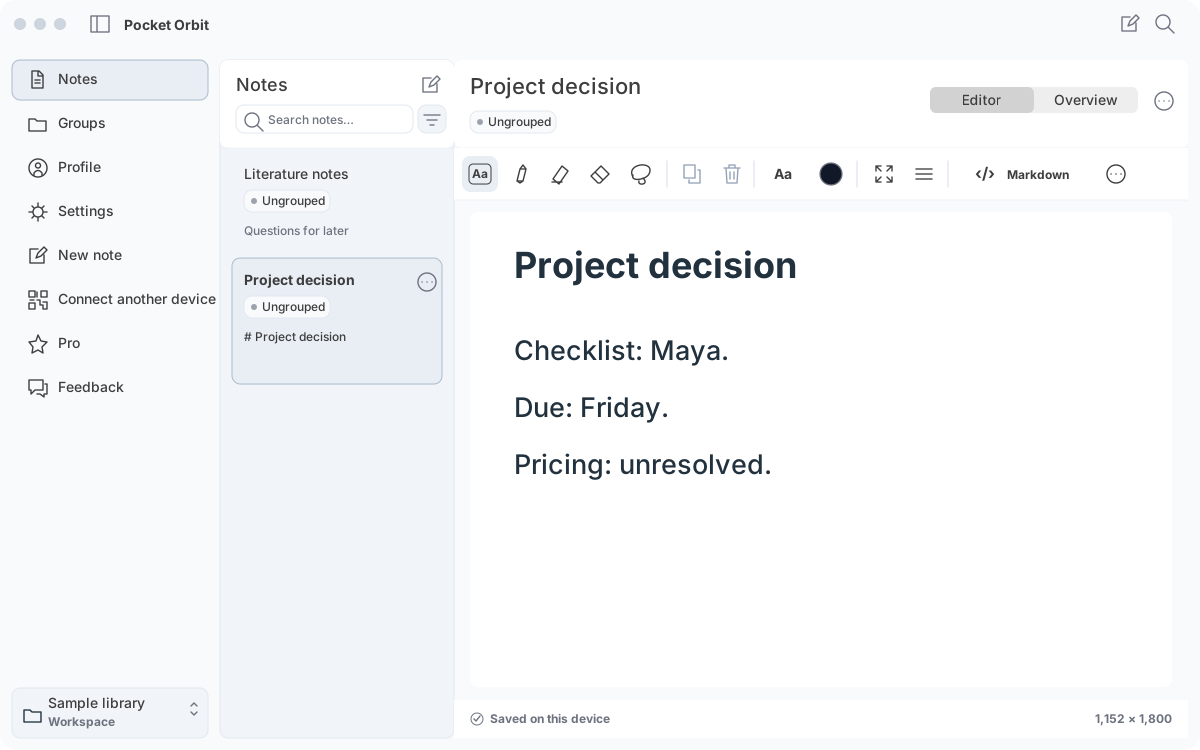
Use the first-use guide and sample workspace. Open a copy, change one heading, save and reopen it. Compare the exact source in another editor before bringing in your own files.
Keep your existing workspace useful
Use the vault setup and compatibility checklist for relative links, attachments, Unicode filenames and unfamiliar syntax. Keep Obsidian graph and plugin workflows where they already work; test Pocket Orbit beside them.
Know the recovery boundary
Native ink has companion files. External edits can create stale drafts or saved alternatives. Read those guides before syncing a folder or editing the same note in two applications.
Sources and editorial review
Written and reviewed by the Pocket Orbit Product Team · Updated October 18, 2026
Editorial trustSources, method, and update policy
Product claims are checked against the current app. Competitor claims use dated official sources. Corrections can be sent to alpaca-labs.dev@proton.me.
Keep going
Related evidence and next steps
help
Use an Existing Markdown Vault
Explore workflow →help
Review external edits and conflicts
Explore workflow →Try one small, checkable workflow
Start with the sample workspace and check the requirements for your Mac.