
Typing can be too rigid
It is precise, but formulas, arrows, and spatial ideas can become slower to capture.
Built around real class material
Use exact text for definitions, then add handwriting, arrows, formulas, and diagrams on the same canvas.
See exact steps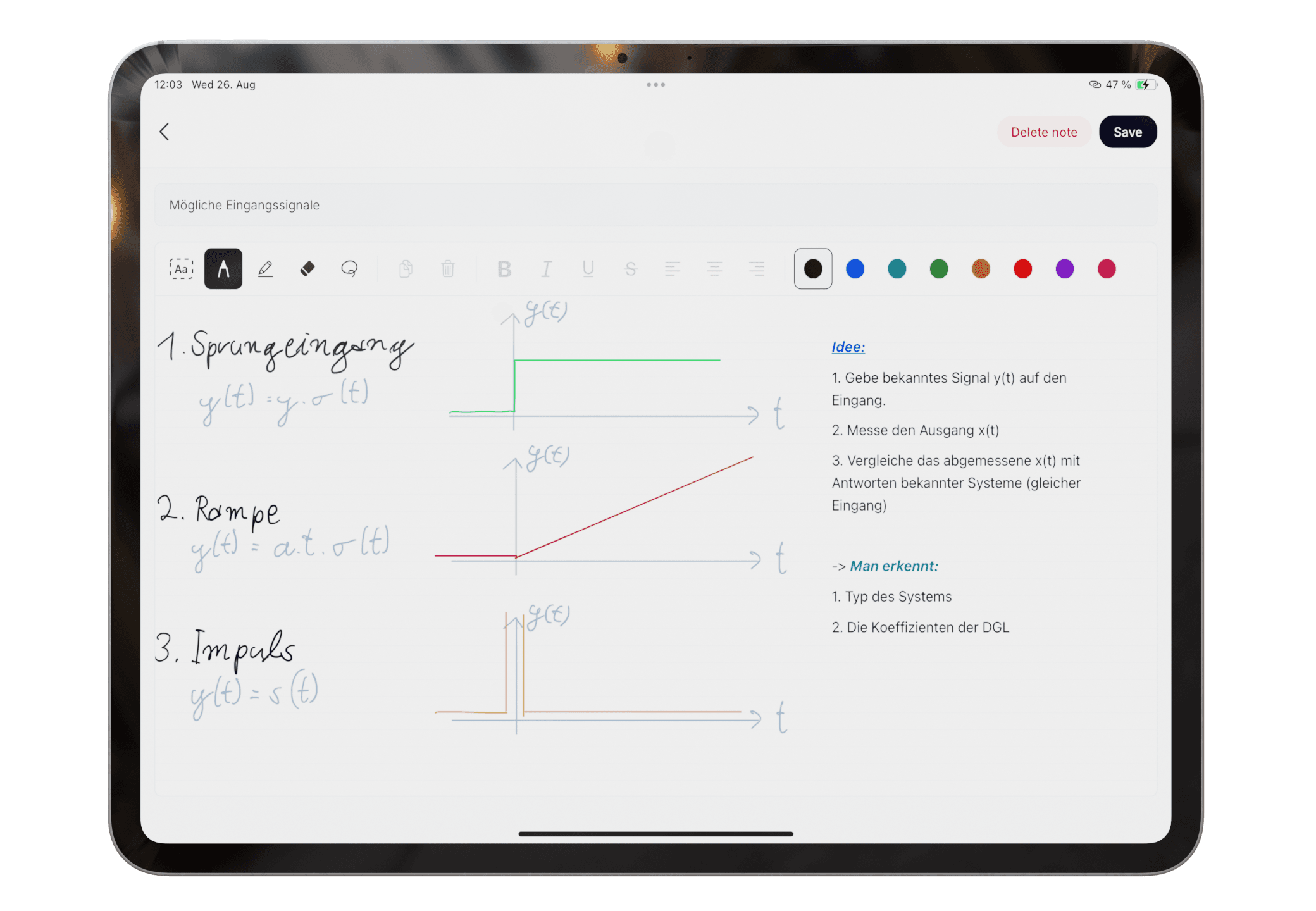
No. Write keeps typed text and Apple Pencil work on one canvas, while Scan brings paper into the same study flow.
No. It prioritizes mixed-input capture, organization, and summaries. A PDF-heavy notebook or audio-first app may fit other workflows better.
Product claims are checked against the current app. Competitor claims use dated official sources. Corrections can be sent to alpaca-labs.dev@proton.me.
feature
Handwrite notes on iPad with Apple Pencil, then review, recognize, organize, study, or export them in Pocket Orbit.
Read: Apple Pencil Note-Taking App for Handwritten Notesfeature
Capture paper notes, review OCR text, organize related material, and create a study summary with Pocket Orbit.
Read: Scan Handwritten Notes to Text on iPadfeature
Turn mixed class notes into suggested groups and summaries without building a complex folder system first.
Read: Automatic Note Organization for Messy Class Notesfeature
Capture class notes by typing, scanning, or drawing, then use AI to organize and summarize them in Pocket Orbit.
Read: AI Note Taking on iPad for Student Workflowshub
Learn when to write or scan notes on iPad and how to turn mixed material into organized study material.
Read: Handwritten Notes on iPad: Workflows, Tests, and Guidescomparison
A use-case comparison of mixed-input capture and AI organization in Pocket Orbit versus the notebook and PDF depth of Goodnotes.
Read: Pocket Orbit vs Goodnotes for Student NotesDownload Pocket Orbit from the App Store, then use the linked help articles to test it with your own notes.
