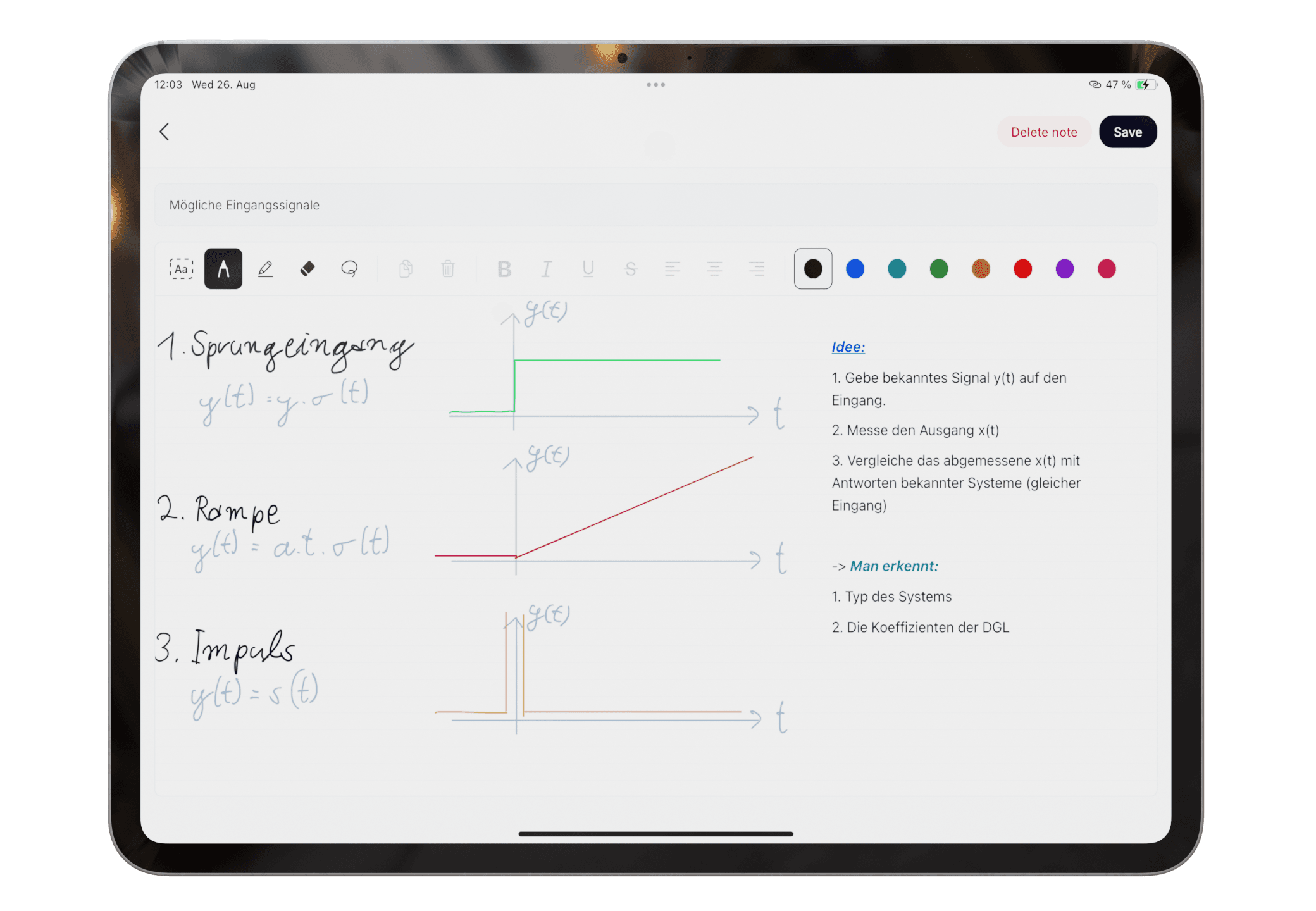
Write and draw in one note
Type exact details, add Apple Pencil handwriting, and sketch diagrams on one canvas.
See workflow One study workflow for messy material
Pocket Orbit organizes the rest. Keep typed notes, Apple Pencil work, and paper in one study flow, then review the groups and summaries you study from.
Classes move between keyboard, paper, and Apple Pencil. Your workflow should be able to move with them.
Write it, scan it, keep the useful stuff together.
Type exact details, add Apple Pencil handwriting, and sketch diagrams on one canvas.
See workflow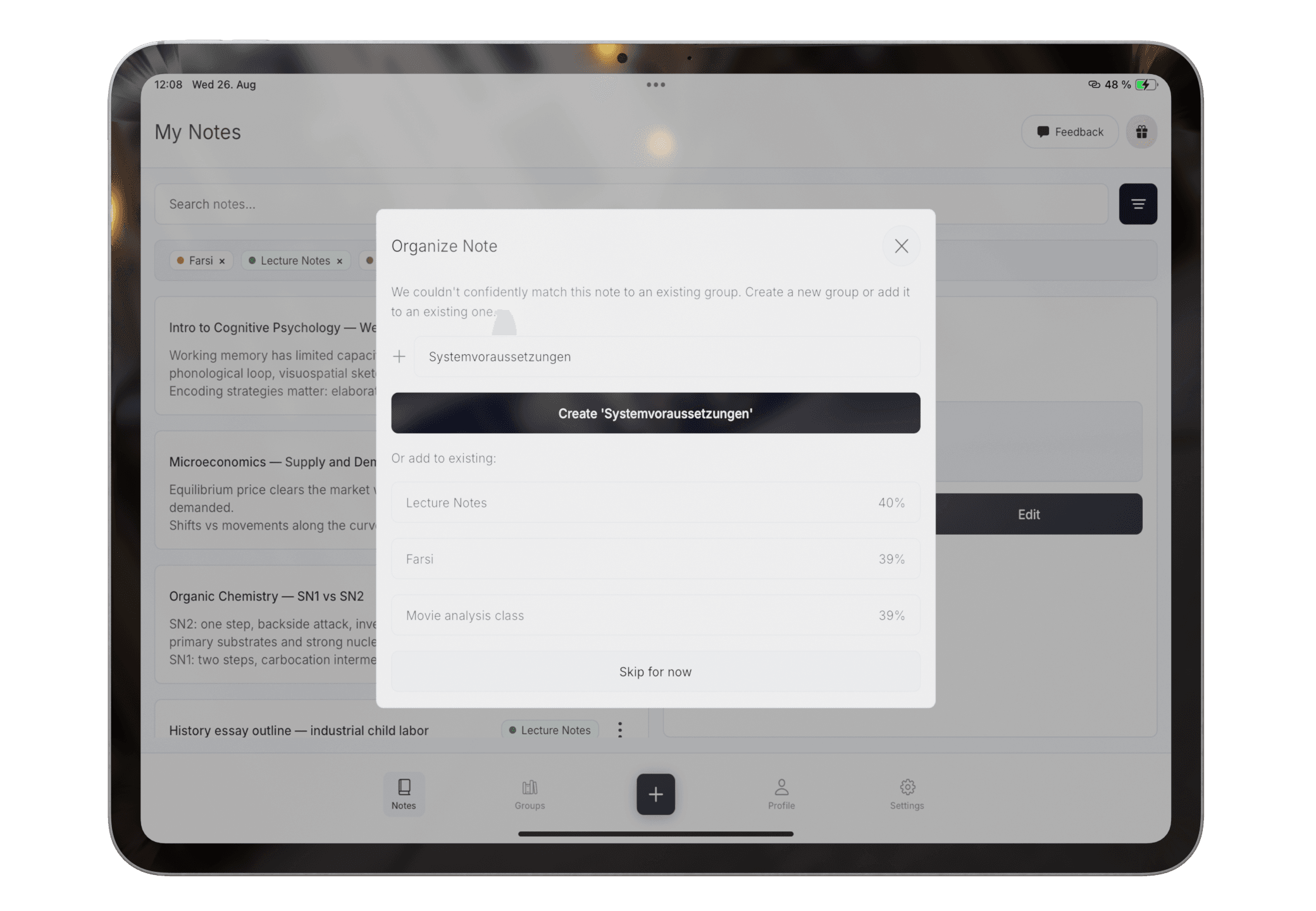
Pocket Orbit suggests a place for each note. When the match is unclear, create a group or choose the one that fits.
See workflow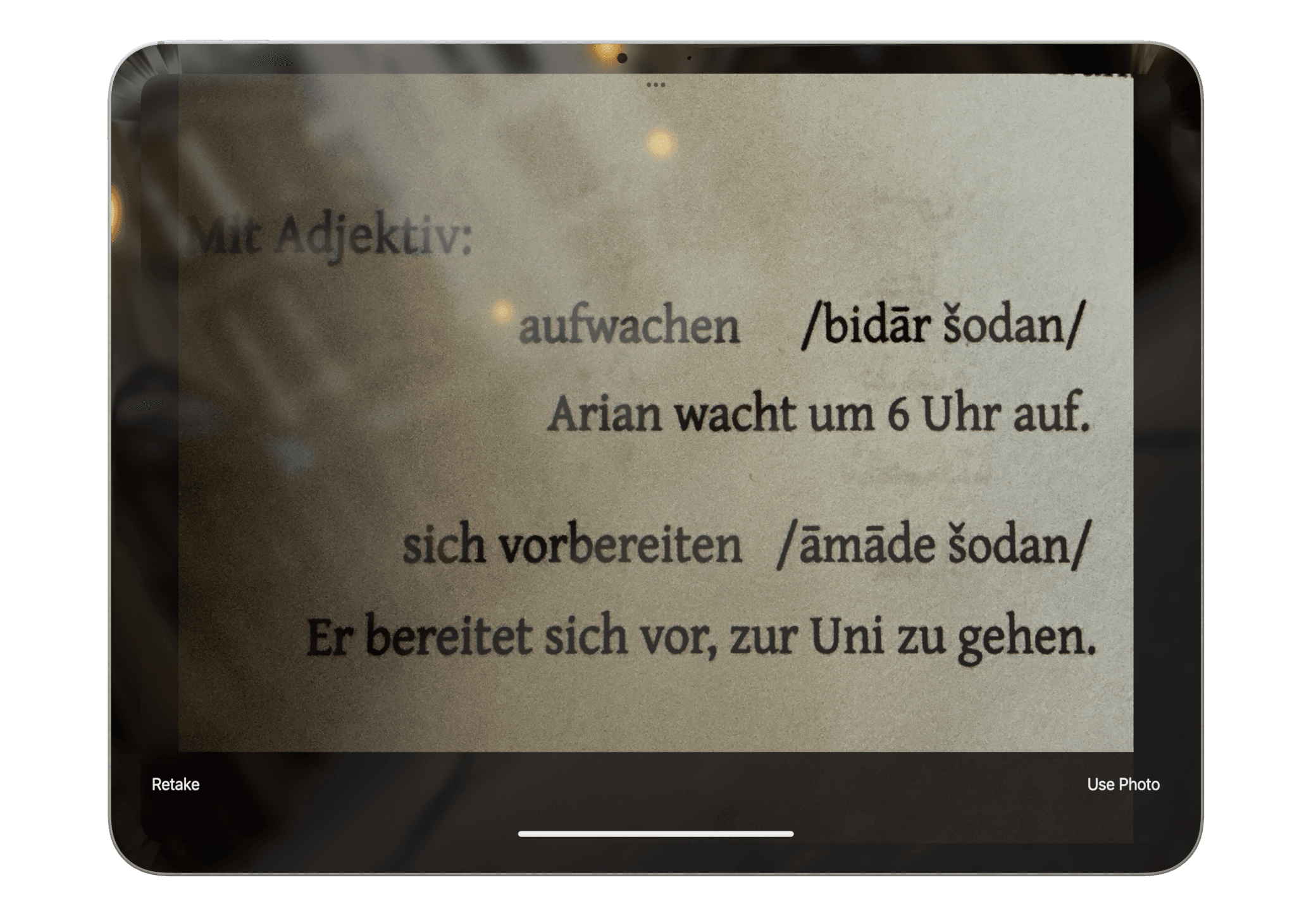
Photograph a worksheet, textbook page, or handwritten note. Review the extracted text before it becomes part of your study flow.
See workflow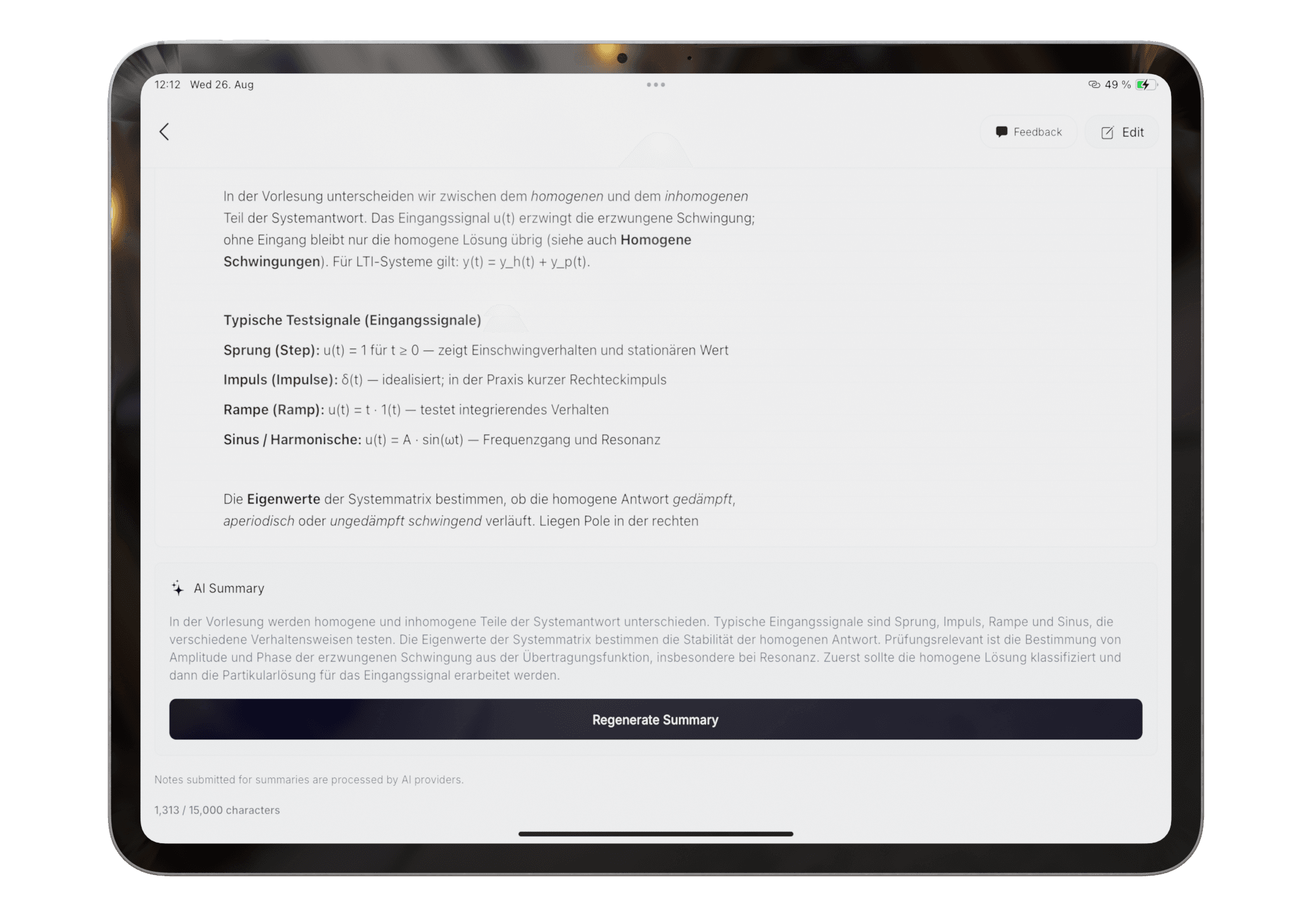
Turn a wall of notes into the points that matter. Understand the topic without re-reading all of it.
See workflow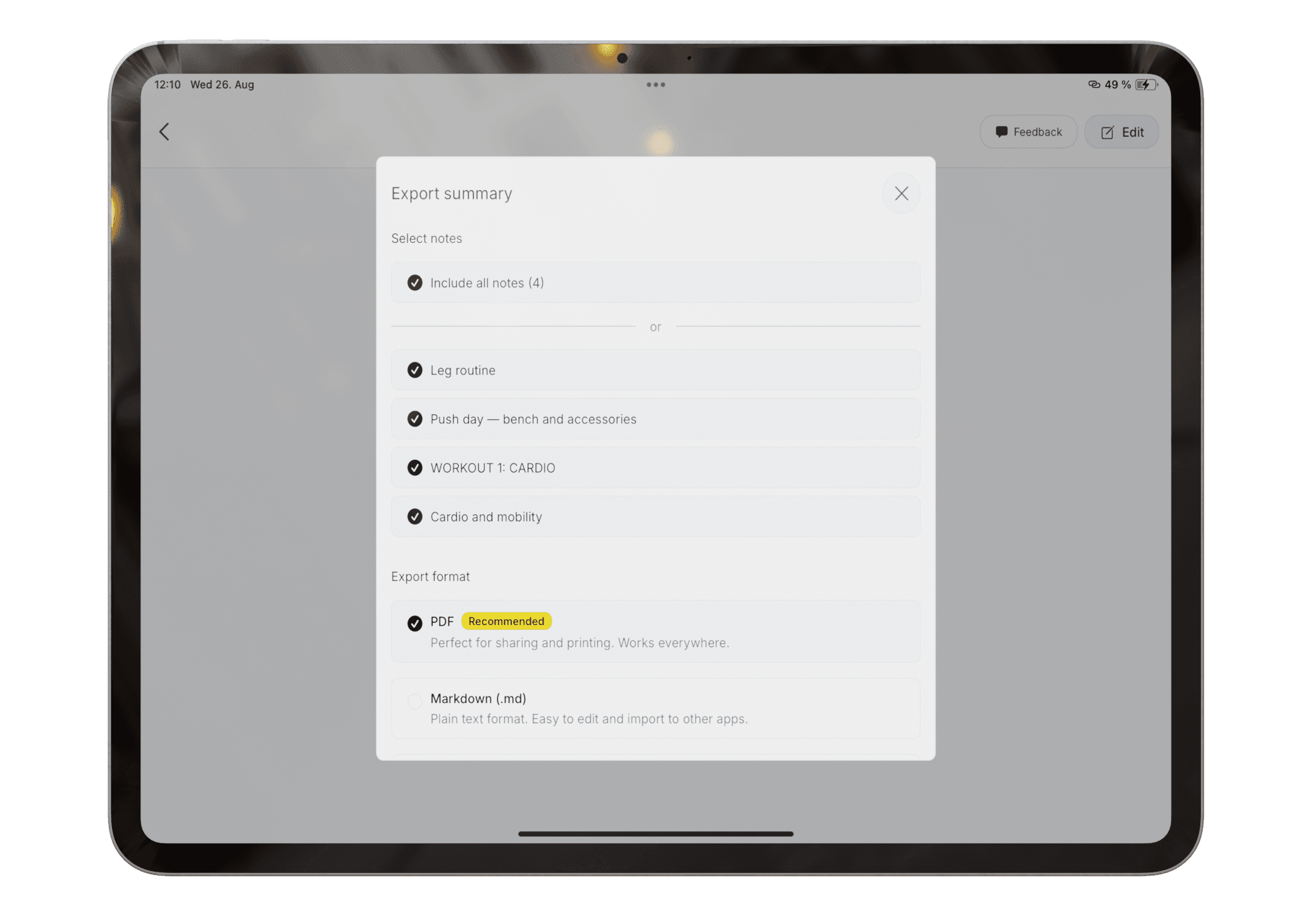
Choose the notes that belong together, then export a clean summary as PDF, Markdown, or HTML.
See workflow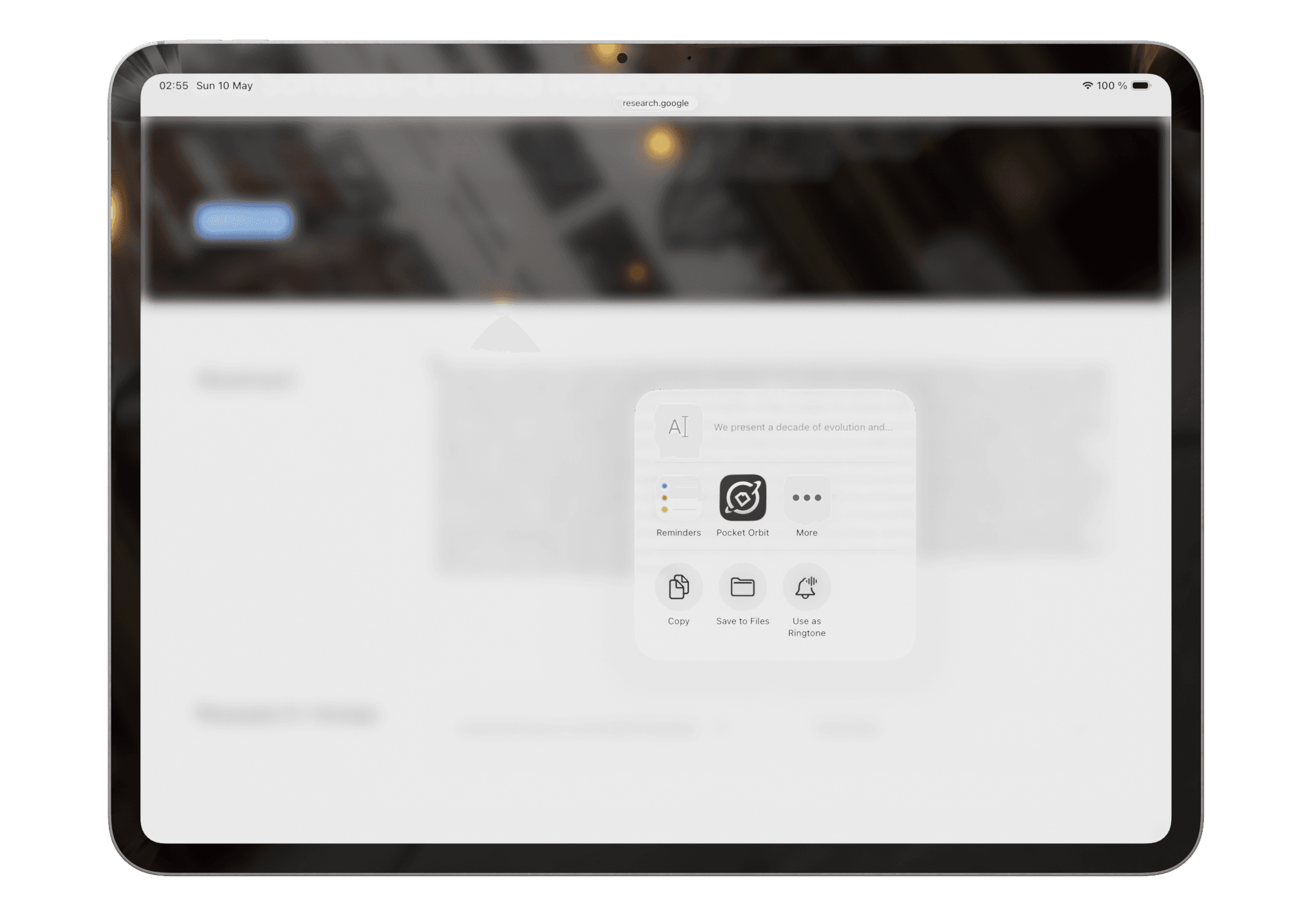
Use the share sheet to bring text, files, and pages into Pocket Orbit, then keep them beside your own notes.
See workflowOCR scan images are processed transiently for text extraction. See Privacy Policy
No system to set up. No color-coding. Write it, scan it, study it.
Type, sketch, and handwrite in one note, or scan the paper already in front of you.
Drop notes in when they happen. Pocket Orbit suggests where they belong, and you decide when the match is unclear.
Get the key points without re-reading everything. Export a clean study guide as PDF, Markdown, or HTML.
From capture to revision
Pocket Orbit connects the fast, messy input moment to the organized material you need later.
1. Write
Keep typed context, handwriting, diagrams, and quick sketches together on one canvas.
2. Organize
Keep control when context is ambiguous or a note belongs somewhere else.
3. Study
Use the shorter output as a study aid and verify it against the source.
Best fit
Pocket Orbit fits when notes move between keyboard, paper, and Apple Pencil and you want lightweight organization and summaries after capture.
Choose another tool when
A mature PDF notebook, audio transcription app, or professional drawing tool may be a better primary choice. Our comparisons explain those boundaries directly.
Learn, test, and compare
For students
See how writing, drawing, and scanned pages connect to reviewable groups and checked summaries.
Open pageLearning hub
Guides, help, tests, and comparisons for writing, drawing, and scanning class material.
Open pageApple Pencil guide
A practical path from handwriting and diagrams to correction, organization, and review.
Open pageDecision guide
Choose by material, speed, correction effort, and the review you need later.
Open pageComparison
Mixed-input organization versus notebook and PDF depth, with use-case winners.
Open pageFree resource
Compare headings, prose, names, numbers, symbols, and correction time.
Open pageQuick answers
Write keeps typed text and Apple Pencil work in one canvas. Scan brings paper into the same study flow.
It can suggest groups, but you should review and correct ambiguous placements.
Yes. Review recognition first and check important summary claims against the source note.
Cram season needs unlimited summaries. The rest of the year, free does the job.
For everyday notes
For exam season and beyond
Website pricing and limits last reviewed 29 July 2026. The price shown in your regional App Store checkout is authoritative and may include local taxes or currency differences.
Invite friends, earn rewards together
Get your personal referral link in the app after sign up. Rewards unlock through real usage and paid App Store subscriptions.
Send your unique referral link to friends
They create an account using your invite link or code
Both get +5 exports after the first note. After their first paid charge on Premium Monthly, each of you gets a 7-day week through Apple.
For both of you after the referred friend creates their first note
For you both on Premium Monthly, via the App Store after the first paid charge. Annual excluded.
Get your personal referral link in the app after sign up. Rewards unlock through real usage and paid App Store subscriptions.
DownloadShare ideas, vote on priorities, and report bugs in one place.
Free on the App Store. Go Premium when exams hit.

On your laptop?
Point your phone camera at the code to open Pocket Orbit on the App Store.