
guide
How to Organize Handwritten and Digital Class Notes
A practical capture, review, group, summarize, and export system for mixed handwritten and digital notes.
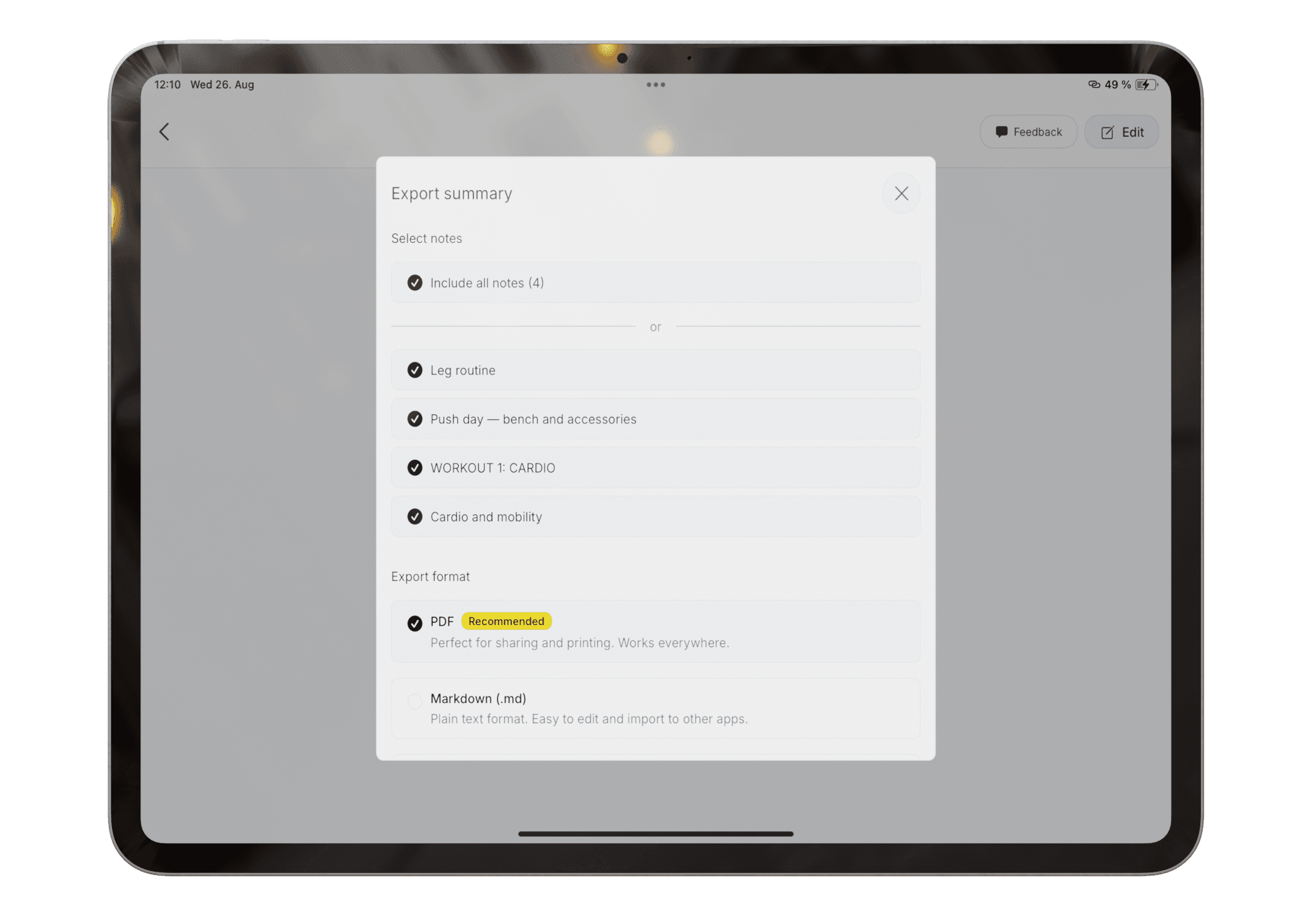
Read: How to Organize Handwritten and Digital Class NotesConfirm that private notes, recognition errors, and unfinished summaries are not included unintentionally.
Product claims are checked against the current app. Competitor claims use dated official sources. Corrections can be sent to alpaca-labs.dev@proton.me.
guide
A practical capture, review, group, summarize, and export system for mixed handwritten and digital notes.
Read: How to Organize Handwritten and Digital Class Noteshelp
Generate a summary from reviewed notes and check it against the original material.
Read: Create and Review an AI Note SummaryDownload Pocket Orbit from the App Store, then use the linked help articles to test it with your own notes.
