
Pocket Orbit video tutorials
iPad workflows for notes that stay useful after class
The key Apple Pencil, capture, organization, and export workflows come first. Each preview leads to the complete guide with written steps, limitations, and the right next step.
iPad and Apple Pencil
iPad and Apple Pencil
The canonical video proof for the iPad note-taking cluster.
Draw notes and export a clean PDF on iPad
A short Apple Pencil workflow for drawing notes and diagrams, then exporting the checked result.
Use Apple Pencil notes with Draw, Scan, and Export
An Apple Pencil note workflow that moves from capture to review and export.

Capture messy lecture notes for review
A mixed-input lecture note workflow.
Turn lecture-slide photos into editable notes with OCR
A lecture-slide capture workflow with OCR review.
Review automatic note organization on iPad
A short demonstration of reviewable organization suggestions.
Search, sort, and summarize notes on iPad
A short search, sort, and summary workflow.

Review how mixed notes are grouped
A short mixed-note organization workflow.
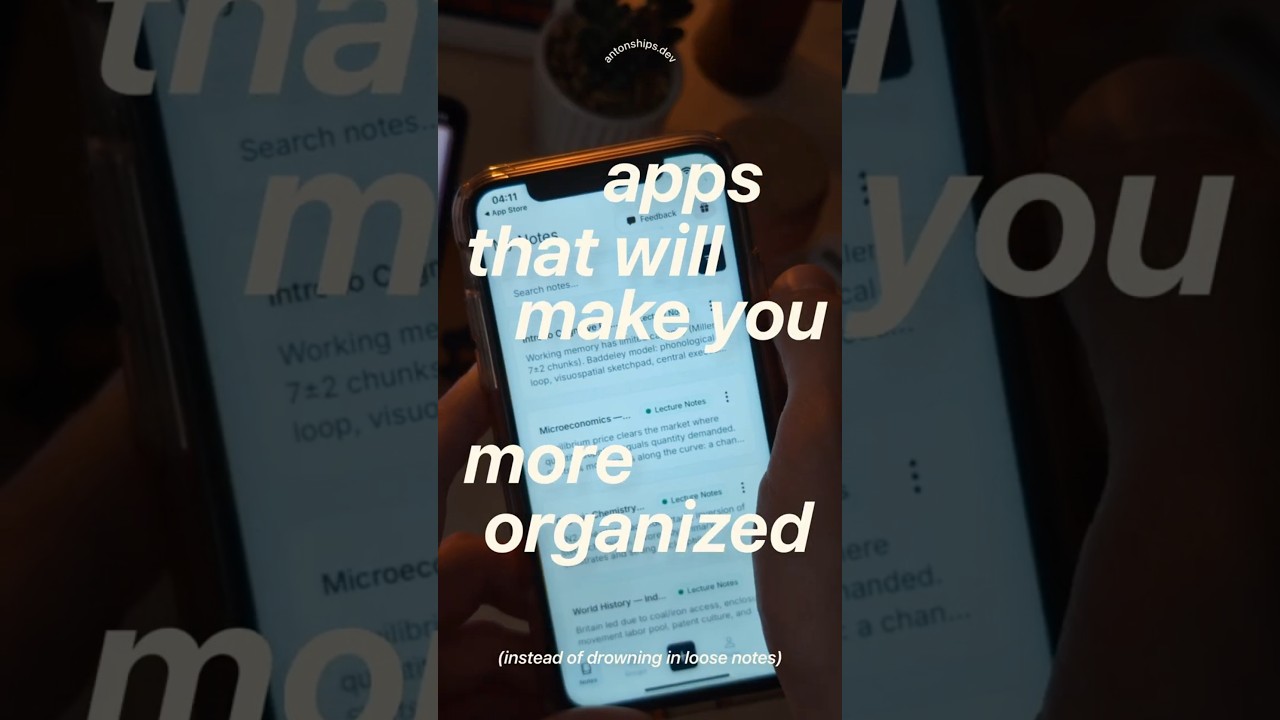
Turn scattered notes into one clean study PDF
A before-and-after study organization and export workflow.

Export handwritten notes to a clean PDF
A short workflow for exporting checked notes as a PDF.

Filter, summarize, and export notes
A short filter, summary, and export workflow.
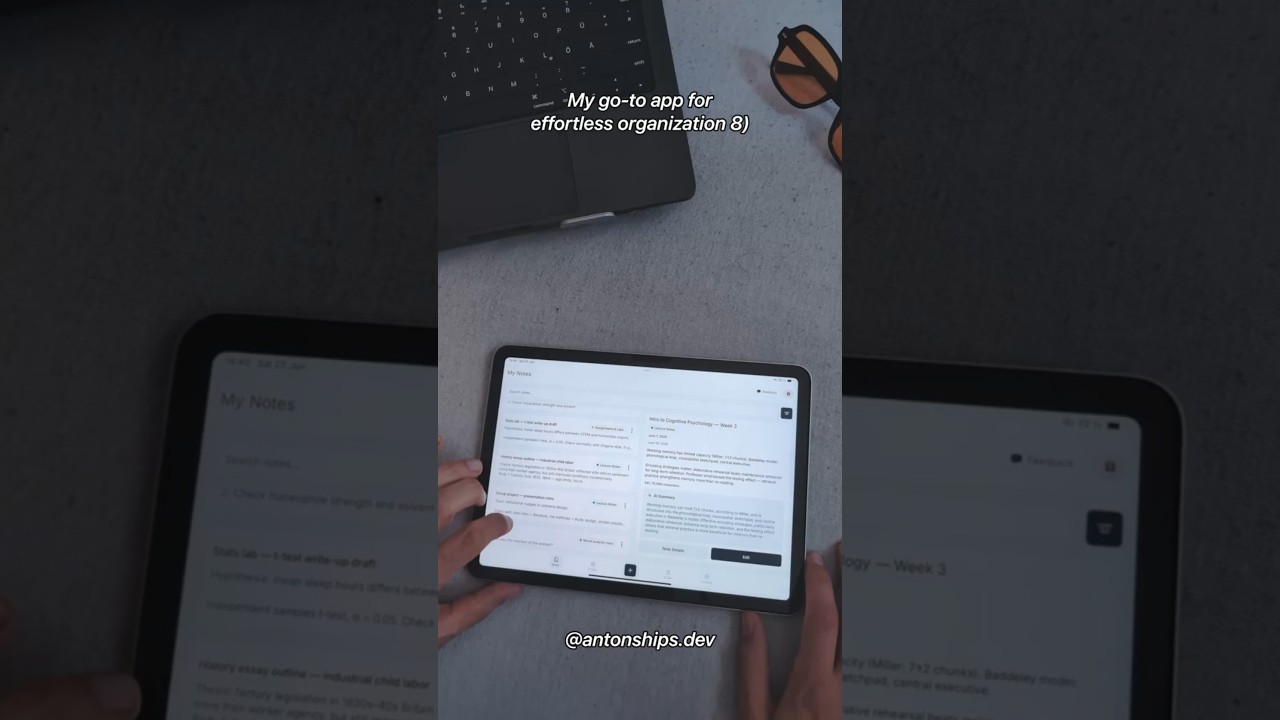
Browse more clips
Browse more clips
These clips remain available, but they do not lead the site’s iPad-first story.
iPhone and cross-device clips
iPhone and cross-device clips
Create a clean note and review an AI summary
A short note and summary workflow.
Take notes on iPad and review them on iPhone
A cross-device workflow clip pending claim verification.
Organize notes on iPhone and iPad
A mobile organization clip pending claim verification.
An iPhone note organization workflow
An organization clip pending platform evidence.
More Pocket Orbit clips
More Pocket Orbit clips
Create, organize, and summarize notes on iPad
A broad Pocket Orbit workflow overview.
Keep school notes organized after capture
A student-focused organization clip.
Organize notes and create a checked summary
A short organization and summary clip.
Pocket Orbit referral program overview
A referral-program clip pending current terms review.