
feature
Scan Handwritten Notes to Text on iPad
Capture paper notes, review OCR text, organize related material, and create a study summary with Pocket Orbit.
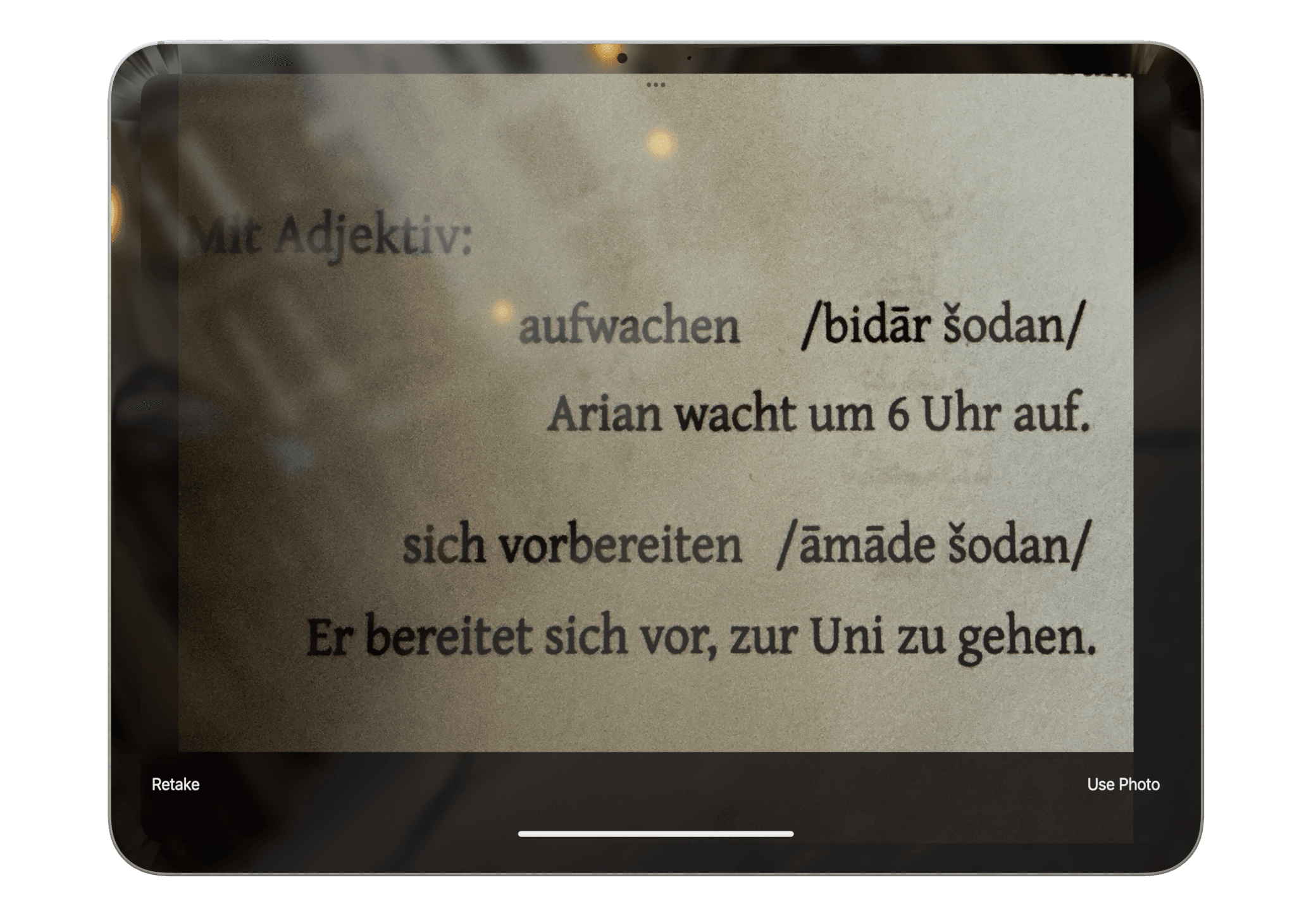
Read: Scan Handwritten Notes to Text on iPadRetake the image with less shadow, a flatter page, sharper focus, and stronger contrast. A better source image is usually the most effective correction.
Product claims are checked against the current app. Competitor claims use dated official sources. Corrections can be sent to alpaca-labs.dev@proton.me.
feature
Capture paper notes, review OCR text, organize related material, and create a study summary with Pocket Orbit.
Read: Scan Handwritten Notes to Text on iPadhelp
Understand when handwriting recognition is used and what can affect the result.
Read: Recognize Handwriting in Pocket Orbithelp
Review recognized text and fix important errors before organizing or summarizing a note.
Read: Correct Handwriting RecognitionDownload Pocket Orbit from the App Store, then use the linked help articles to test it with your own notes.
