
Local launch preview
What happens when Mac Pro access expires
Mac workspace access stops at the verified expiry; your existing files remain yours.
Your local workspace. Your own files. Availability →
The Pocket Orbit workflow
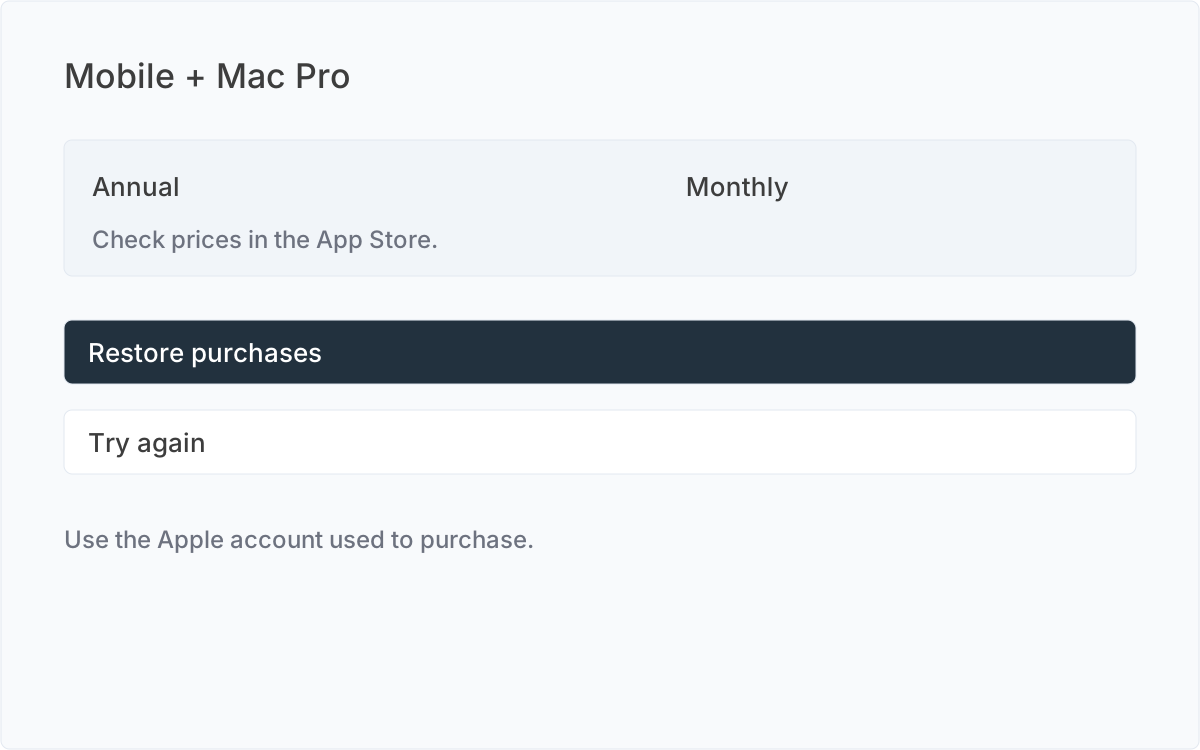
The Mac boundary
After verified access expires, the Mac app shows the Pro paywall. Browsing, editing, importing and AI are unavailable. Restore, subscription management, support and quitting remain available.
Files and cancellation
Expiry must not delete, encrypt or modify existing files. External Markdown can still be opened outside Pocket Orbit. Cancellation does not end access before the paid period finishes. Already accepted writes complete safely. The monthly and annual price changes are scheduled for 19 October 2026 without preserved legacy price cohorts; Apple notice and consent apply where required. A declined or missing required consent must not delete or unbind the account. Pro ends only at verified expiry or revocation.
Sources and editorial review
Written and reviewed by the Pocket Orbit Product Team · Updated October 17, 2026
Editorial trustSources, method, and update policy
Product claims are checked against the current app. Competitor claims use dated official sources. Corrections can be sent to alpaca-labs.dev@proton.me.
Try one small, checkable workflow
Start with the sample workspace and check the requirements for your Mac.