
Local launch preview
Restore Pocket Orbit Pro access
Restore through the store account used for the purchase and check the resulting access state.
Your local workspace. Your own files. Availability →
The Pocket Orbit workflow
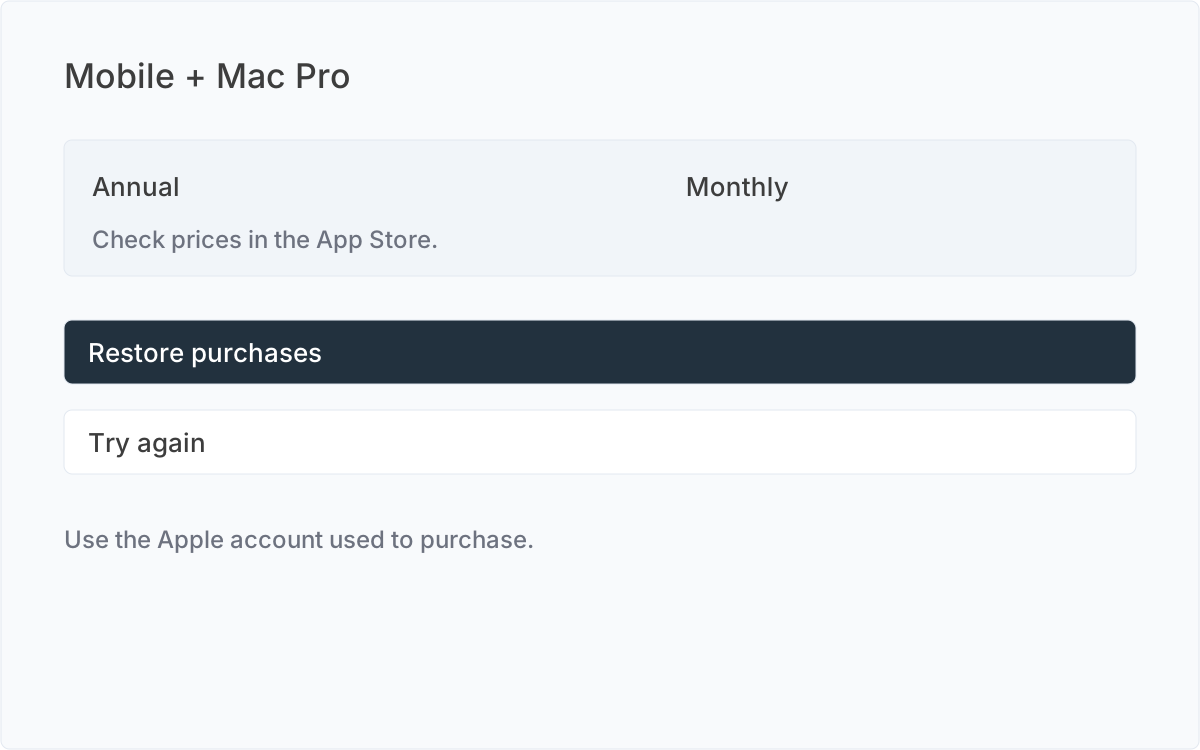
Restore through the purchasing Apple account
Open Pro and choose Restore purchases. Link the intended Pocket Orbit account and use the Apple account that purchased the subscription. Restore recognizes the full product catalogue, including a supported purchase made on another device; the billing periods offered for a new purchase can differ by platform. Mobile Pro does not unlock Mac. A referral attribution or an unredeemed offer code is not proof of verified access.
Wait for access verification
Checking access is different from expired access. A pending purchase may require approval in the store. A valid trial, paid period or verified grace period opens the Mac workspace. Cancelling renewal does not end the already-paid period.
When no access is restored
Read the result and retry when the store is available. Check Apple subscription management for the subscription and account. If the result is still unexpected, contact support with platform, app build and transaction reference. Do not send passwords or note content.
Manage or leave
Use subscription management to change renewal. On an expired Mac paywall, restoration, subscription management, support and quitting remain available. Existing external Markdown remains accessible outside Pocket Orbit.
Sources and editorial review
Written and reviewed by the Pocket Orbit Product Team · Updated October 17, 2026
Editorial trustSources, method, and update policy
Product claims are checked against the current app. Competitor claims use dated official sources. Corrections can be sent to alpaca-labs.dev@proton.me.
- Manage Apple subscriptions - Apple Support, reviewed 2026-10-10
Try one small, checkable workflow
Start with the sample workspace and check the requirements for your Mac.