
A TikTok carousel gives you a few frames to explain why a note-taking app is worth opening. We used that format to promote Pocket Orbit: a hook, a recognisable study problem, a glimpse of the app and a reason to keep reading. Each frame needed to make sense before the reader swiped to the next.
Then we went back to the drawing board. We researched competing tools and reconsidered the product around local storage and local AI. The question became what happens after that first glimpse, when someone returns to a note and needs to keep working with it.
This is the reasoning behind that direction. We are not presenting the change as proof that TikTok failed, or that rebuilding an app fixes distribution. A carousel, an install and a useful return visit answer different questions. The product decisions deserve an explanation of their own.
A good frame still leaves most of the work outside it
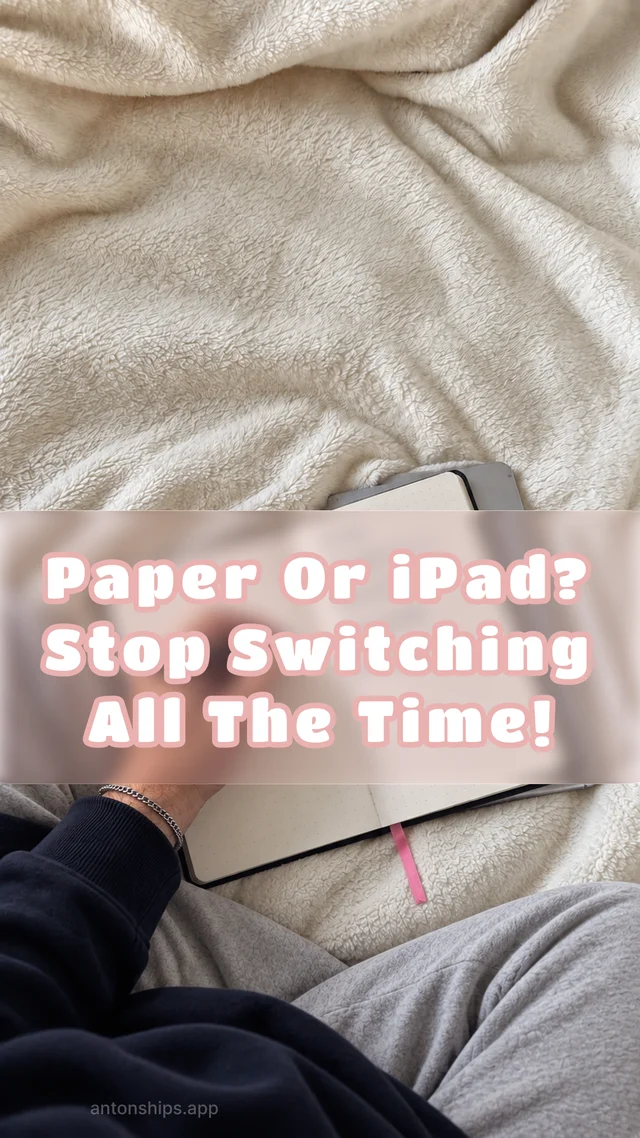
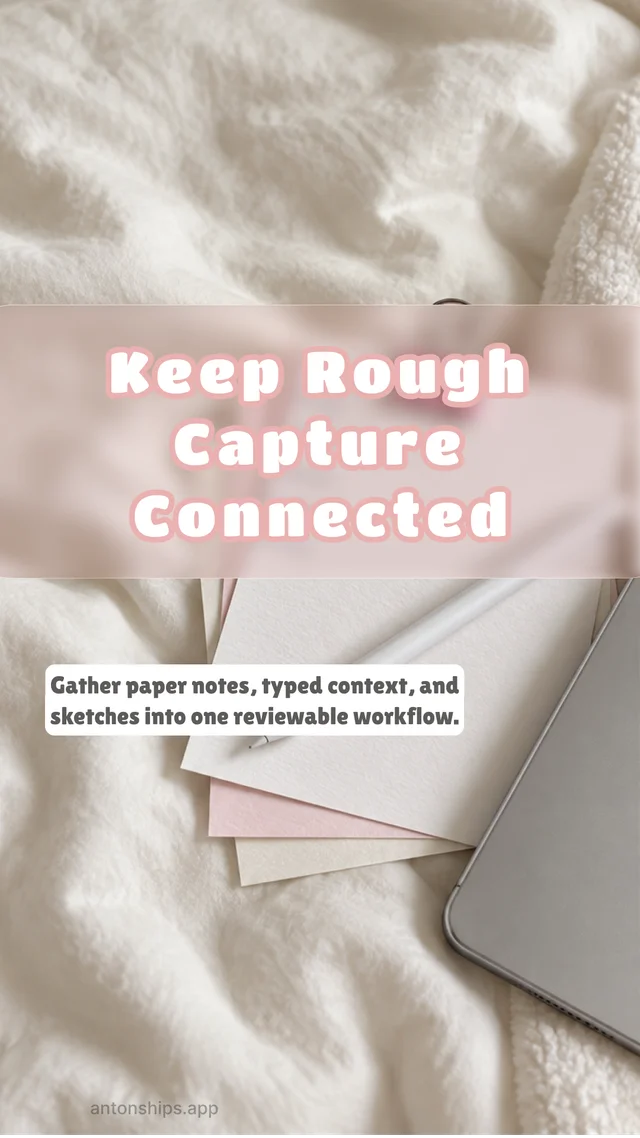
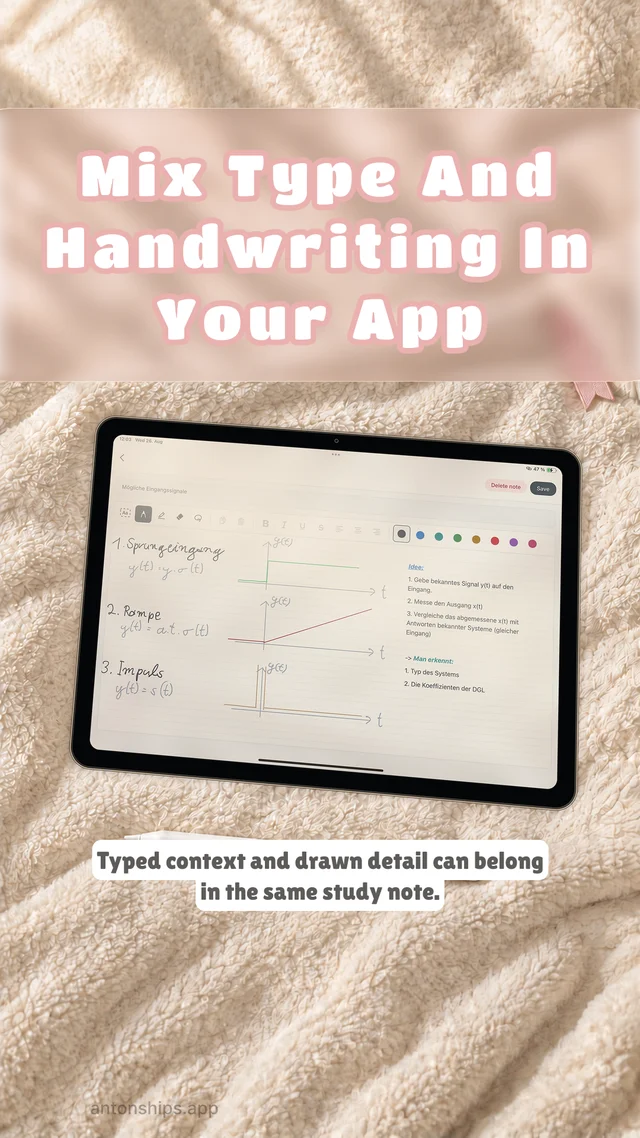
One of the archived carousel sets asks whether to use paper or an iPad. It moves towards a mixed workflow: choose the capture tool for the moment, then keep the rough material connected. That is a useful study question. A handwritten explanation and a typed paragraph can belong to the same thought without becoming the same kind of object.
The format makes the initial task easy to picture. It has much less room for what happens next. Can you correct a line after returning to the note? Does the drawing remain editable? Where is the original page? What do you keep if you decide to work somewhere else?
Those questions are less convenient to fit on a slide, but they matter when a note becomes part of an ongoing project. We wanted the workspace underneath the demonstration to make those later decisions easier. That meant treating files, sources and review as part of the product rather than details to explain after the feature list.
Research made the promise more specific
We reviewed three public product sources on 12 November 2026, examining how each describes file storage, local source material and processing location. The sources have different purposes: Obsidian and Nomic provide product documentation, while Yaps presents its capabilities on its product website.
Obsidian documents Markdown notes stored as plain-text files in a local folder called a vault [1]. Nomic’s GPT4All application documents LocalDocs, a workflow that retrieves passages from files on the device and adds them to a model conversation [2]. Yaps describes on-device note and AI tools, including answers drawn from a person’s own notes [3].
Taken together, these sources establish that local files and local-model workflows are existing approaches. They do not establish that the products handle editable ink, source preservation or review in the same way. Those are the handoffs we need to examine in Pocket Orbit: what enters a task, what changes and what remains available for inspection.
This documentation review informed our design decisions. It was not a benchmark of installed applications on matched hardware, and the descriptions above should be read as documented behaviour or vendor claims. A performance comparison would need separately recorded tests. Our task is to make typing, drawing, preserved sources and checked AI results work together in a note someone can keep using.
- Obsidian. How Obsidian stores data. Product documentation. Accessed .
- Nomic. GPT4All documentation: LocalDocs. Product documentation. Accessed .
- Yaps. Yaps product overview. Product website. Accessed .
Local storage and local AI are two separate commitments
Local storage concerns the material you keep. Local AI concerns where a computation runs. Putting both phrases next to the app name does not explain either one well enough.
For the file side, our starting point is readable Markdown alongside the material it cannot contain by itself. Typed text can live in an .md file. An attachment needs its own file, and editable ink needs its stroke information. A text export is useful, but it is not automatically a complete backup of a note with handwriting and images.
For the AI side, a model running on a device still needs a suitable device, an installed model and a clearly defined input. Initial downloads, account access, purchases and optional synchronisation have their own network behaviour. We need to describe those boundaries individually rather than turn “local” into a promise that every operation happens without a connection.
This separation also makes problems easier to diagnose. A note can be saved correctly while a model task fails. A fluent summary can misrepresent a correctly stored source. The user needs to know which stage changed the material before deciding what to retry or correct.
The drawing needs to stay part of the note
Handwriting is not always a slower route to typed text. An arrow can connect two ideas. A diagram can show a relationship before we have found the sentence for it. A formula may need its spatial arrangement to remain understandable.
That is why we keep handwriting in the centre of the direction for Pocket Orbit. Recognised text can help with later work, but it should not silently replace the thing someone wrote. Correcting a transcription and editing a drawing are different actions. Neither should make it harder to get back to the original.
The same principle applies when a note reaches a Mac workspace. A portable text file matters, but so does understanding which parts of the note travel with it. We would rather explain the companion material and the limits of an export than let an attractive preview imply that every detail survives every destination.
The editor capture below comes from our development records. Its sample text is a verification fixture, not a customer note or an AI result. It shows the writing controls and the surrounding workspace. It cannot demonstrate recognition quality, model speed or the reliability of every file operation.

A shorter result has to preserve the decision
Consider a small teaching note: “Maya owns the release checklist. It is due Friday. Pricing remains unresolved. The team approved a pilot, not a public launch.” We wrote this example to make the review concrete. It is not a measured model output.
Before asking for a shorter version, mark what must survive: Maya, Friday, unresolved pricing and the difference between a pilot and a launch. Then compare the result with that list and the original wording. A smoother paragraph that changes any of those facts has made the task worse.
If the source began as handwriting, there is another comparison to make first. Recognition may already have changed a name or dropped a word. A summary can follow the recognised text faithfully and still be wrong about the original page. Checking the source at both stages is more useful than judging the final paragraph by how confident it sounds.
This is the kind of bounded task we want the workspace to support. It lets a person inspect the input, decide what matters and review the result. Our separate work on model harnessing and fine-tuning needs its own methods, hardware context and results. This product story does not stand in for those reports.
Choosing local leaves work for us to do
Local processing moves responsibility towards the device and the application. Downloads, storage, memory, cancellation and recovery become part of the experience. A setting that is technically correct can still be confusing when someone just wants to finish a note.
Keeping files useful outside the app creates another obligation. We have to explain what is plain text, what relies on companion files and how to handle an external edit safely. Saying “your files” is a starting point. Opening a copy elsewhere, inspecting the attachments and checking what changed is the useful follow-through.
There are limits we should not smooth over in the story. We have not established here that a local model is more accurate than a hosted one, that every device behaves alike or that this direction has improved retention. Those would require different evidence. The decision is about the workspace we want to build, and the checks by which it should be judged.
The next demonstration starts with a note you can keep
If you are choosing a note-taking tool, try a small version of this test with your own non-sensitive material. Keep the original, make one edit, produce a portable copy and reopen it outside the app. If you use AI, write down the facts that must survive before judging its answer. Include a handwritten mark or an attachment if that is how you actually work.
That exercise tells you more about the handoff than a long list of capabilities. It also gives us a useful standard for the next Pocket Orbit demonstration: show the source, the action, the saved material and the result that someone has checked.
We still care about making the first few frames clear. Going back to the drawing board means asking the app to carry that clarity beyond the swipe, into the next time you open your notes.