
hub
Handwritten Notes on iPad: Workflows, Tests, and Guides
Learn when to write or scan notes on iPad and how to turn mixed material into organized study material.
Read: Handwritten Notes on iPad: Workflows, Tests, and GuidesA fluent summary can hide a bad input. Check the recognized note first, especially for vocabulary that a general recognizer may not expect.
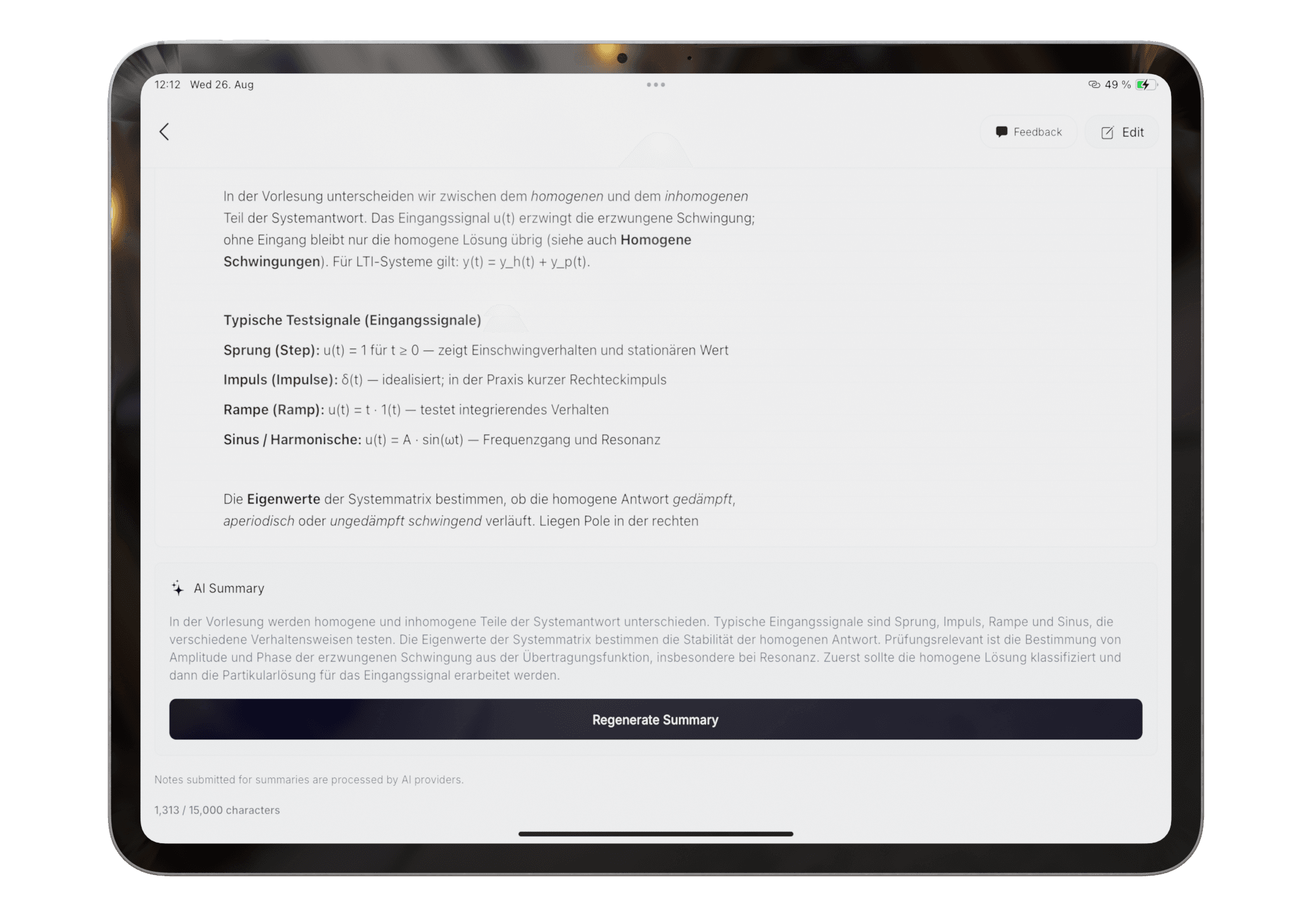
Use the summary as a revision aid, not a replacement for the source. Return to the handwritten page when a point looks incomplete or unexpectedly certain.
Product claims are checked against the current app. Competitor claims use dated official sources. Corrections can be sent to alpaca-labs.dev@proton.me.
hub
Learn when to write or scan notes on iPad and how to turn mixed material into organized study material.
Read: Handwritten Notes on iPad: Workflows, Tests, and Guidesfeature
Handwrite notes on iPad with Apple Pencil, then review, recognize, organize, study, or export them in Pocket Orbit.
Read: Apple Pencil Note-Taking App for Handwritten Notesfeature
Capture class notes by typing, scanning, or drawing, then use AI to organize and summarize them in Pocket Orbit.
Read: AI Note Taking on iPad for Student Workflowshelp
Review recognized text and fix important errors before organizing or summarizing a note.
Read: Correct Handwriting Recognitionhelp
Generate a summary from reviewed notes and check it against the original material.
Read: Create and Review an AI Note Summaryguide
A practical capture, review, group, summarize, and export system for mixed handwritten and digital notes.
Read: How to Organize Handwritten and Digital Class NotesDownload Pocket Orbit from the App Store, then use the linked help articles to test it with your own notes.
